
What is MarIA
MarIA is W5’s AI agent orchestration platform. You use it to build assistants that talk to people, look things up in your documents, call external systems and get work done — all configured through the interface, with no programming.
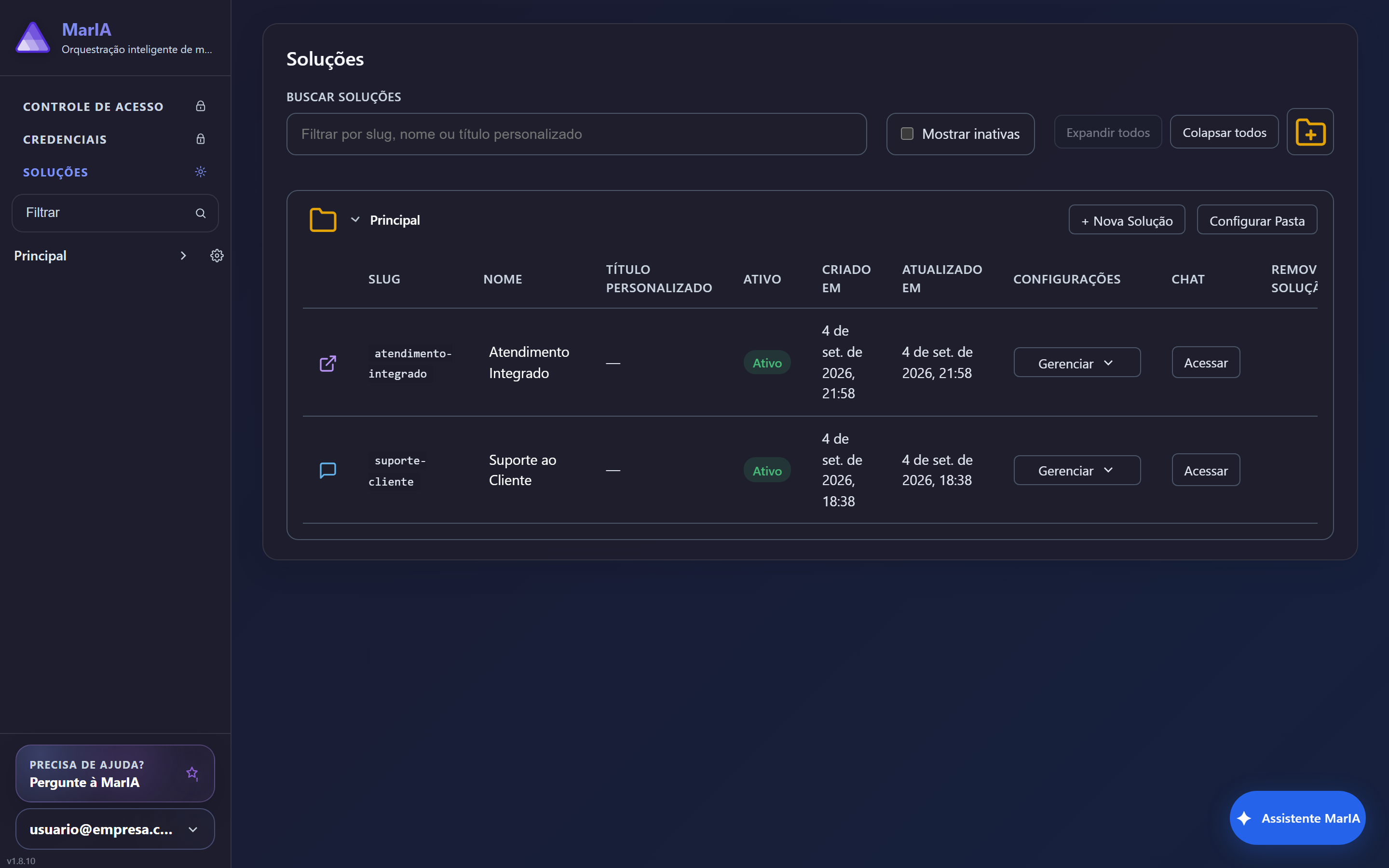
The vocabulary of the interface
Section titled “The vocabulary of the interface”Before you start, it helps to know the words you will see in the menus:
| Concept | What it is |
|---|---|
| Solution | The workspace for one business subject. It holds agents, settings, access rules and the chat. Everything starts here. |
| Folder | Groups related solutions. Every solution belongs to at least one folder. |
| Agent | The assistant itself: it has instructions, an AI provider, a model, files and tools. |
| Specialist | A focused sub-assistant that the main agent consults when a question needs depth. |
| Tool | Something the agent can do beyond talking: call an API, show a card, collect a form, display a map, search the web, generate images. |
| Memory | What the agent keeps between conversations — preferences, facts, accumulated knowledge. |
| Credential | A reusable secure connection (API key, OAuth) that tools and servers use to reach other systems. |
| MCP server | An external server that offers ready-made tools for your agents to use. |
The two modes of a solution
Section titled “The two modes of a solution”Every solution runs in one of two modes, chosen when you create it:
- WebChat — the solution has its own chat page that people open in the browser.
- Integration — the solution has no chat page; it receives messages from another system through a webhook and sends the agent’s answers back there.