
Ask MarIA
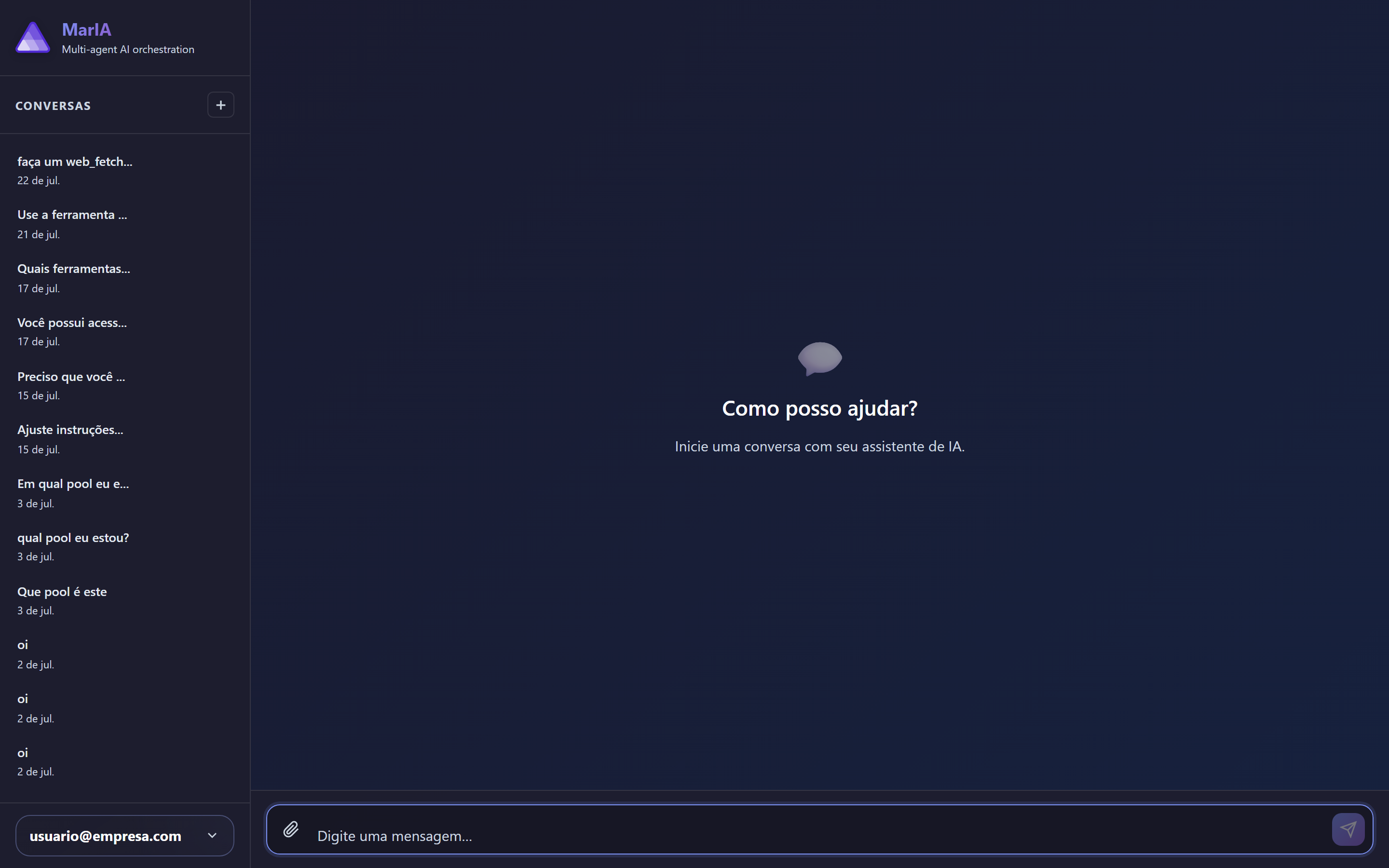
MarIA ships with a built-in help assistant. It knows the product, sees which screen you are on and answers configuration questions without making you leave what you are doing.
The two ways in
Section titled “The two ways in”| Way | How to open it |
|---|---|
| Ask MarIA | At the foot of the sidebar, under Need help? — opens a full-screen help chat |
| MarIA Assistant | The floating button in the bottom-right corner — opens the assistant over the current screen |
The contextual assistant
Section titled “The contextual assistant”The floating button is the more useful one day to day, because it knows where you are. Open it on a settings screen and it takes that context into account — and shows which context it is using.
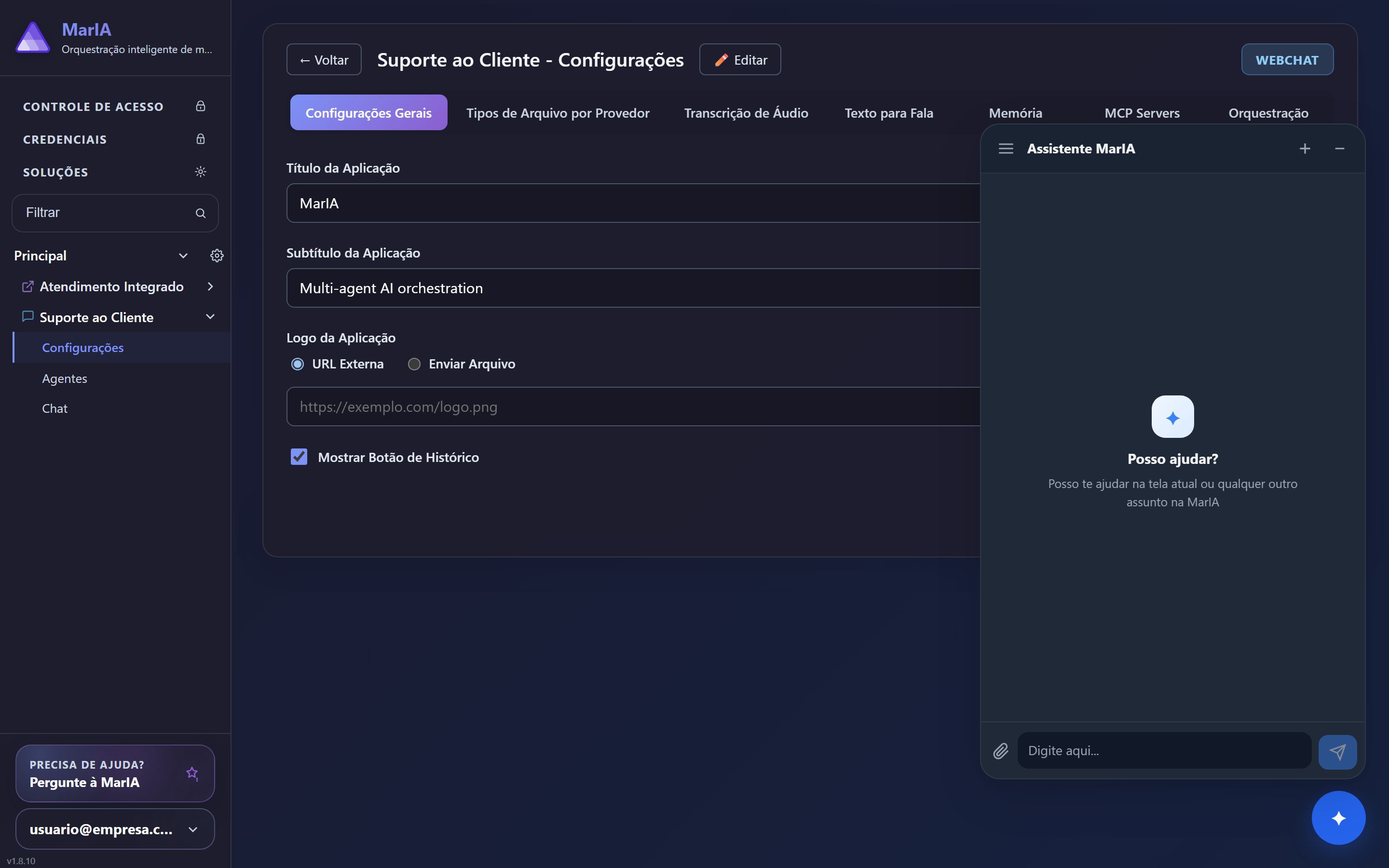
It keeps separate Conversations, so you can go back to an earlier question or start a New conversation when the subject changes.
The unsaved-changes warning
Section titled “The unsaved-changes warning”If you open the assistant with unsaved changes on screen, it warns you: MarIA reads the state that is already stored, not what is on screen. The options are Go back and save or Continue without saving.
Prefer Go back and save. Continuing without saving means the assistant will reason about an old version of the configuration — and if it then changes that same area, what was on your screen may be lost.
What to ask
Section titled “What to ask”The assistant answers questions like:
- “What is the Scope field of a memory for?”
- “Why is my agent not using the tool I created?”
- “How do I give someone else access to this solution?”
It is product knowledge, not your company’s data: to find out what a customer asked, use the solution chat, not the help assistant.