
Agent files
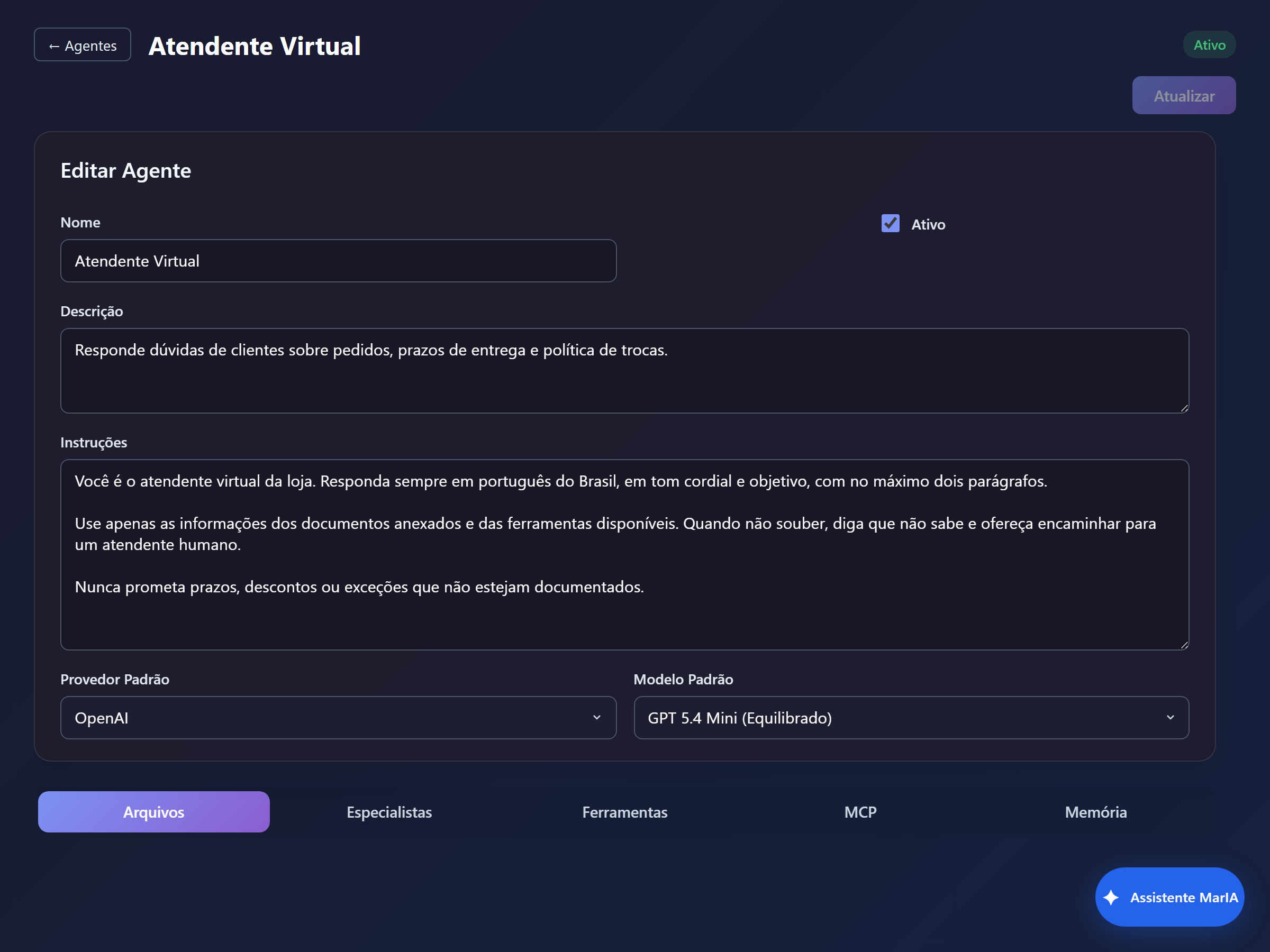
The agent’s Files tab holds the documents it consults when answering. It is the most direct way to turn a generic assistant into one that knows your business.
Uploading
Section titled “Uploading”Click + Upload File and pick the document. Accepted types and sizes come from the solution’s Settings → Provider File Types — if an upload is refused, that is the rule at work.
Following the status
Section titled “Following the status”Each row shows Name, Type, Size, Status, Created At and the actions.
The status has two parts:
| Part | Meaning |
|---|---|
| Upload | Sending the file itself |
| Vector store | Indexing it for semantic search |
And four states: Pending, In progress, Finished and Failed.
While indexing has not finished, MarIA uses the file in direct mode — the agent can already answer, just without semantic search. If a file ends up Failed, use Re-upload.
How the file is used
Section titled “How the file is used”The usage column shows the mode:
| Mode | When it happens |
|---|---|
| Search index | The file was indexed; the agent looks up the relevant passages |
| Direct file | The whole file is sent to the model on every turn |
| Direct image | Images attached to the agent |
Long documents work better indexed. Short, always-relevant files — a price list, a returns policy — work well in direct mode.
Bulk actions
Section titled “Bulk actions”- Refresh status and Refresh all query the processing again.
- Delete selected removes several files at once.
- Download retrieves the original.
Good practice
Section titled “Good practice”- Prefer a few well-written documents over many overlapping ones: contradictory content produces contradictory answers.
- Name files descriptively; the name helps the agent orient itself.
- Reinforce in the agent instructions that it should answer from the documents and admit when the information is not there.