
Solution settings
Open the solution and click Settings. The screen has seven tabs, and each one has its own Save button — save before switching tabs.
General Settings
Section titled “General Settings”The branding of the solution’s chat.
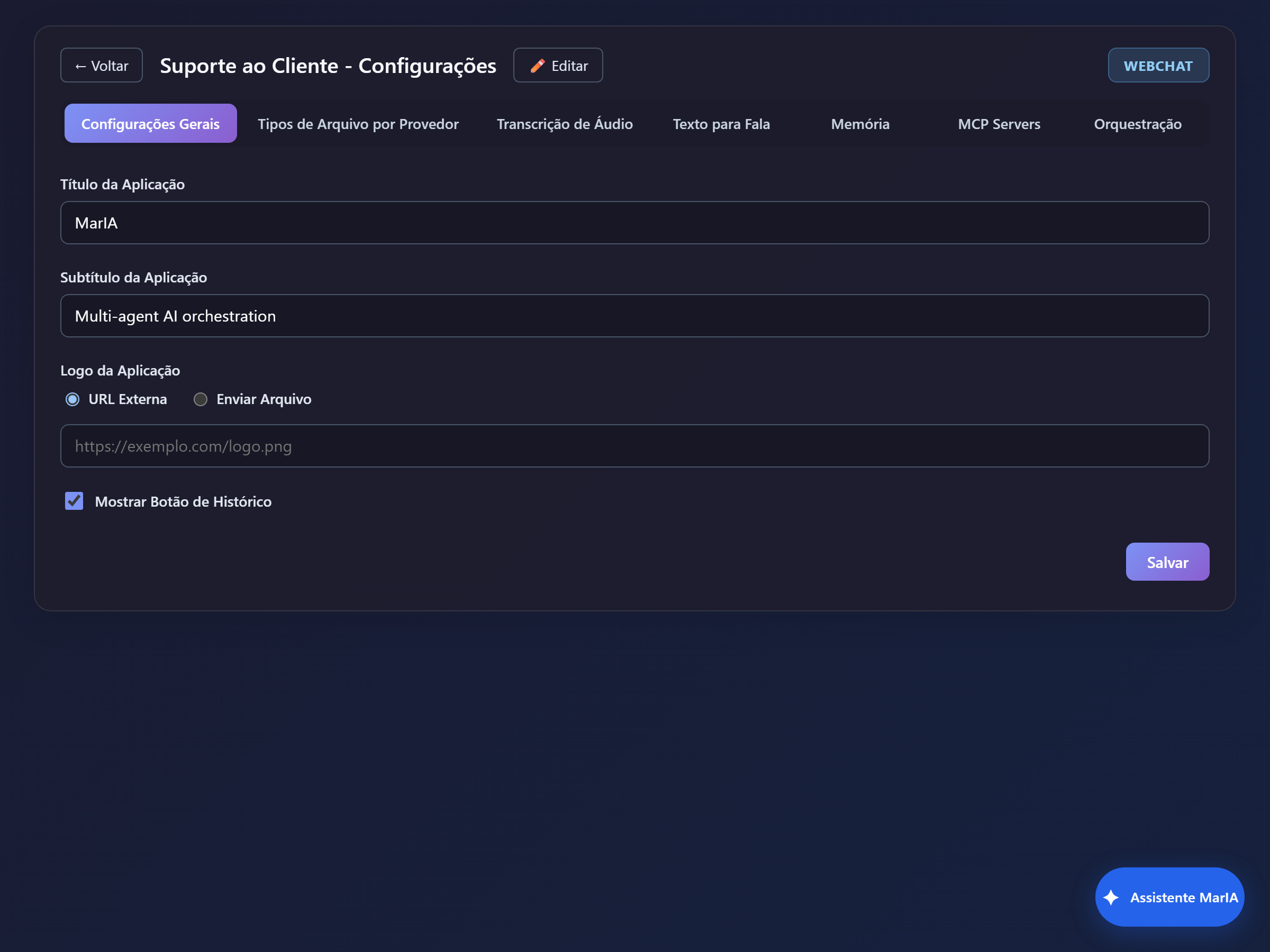
| Field | What it does |
|---|---|
| Application Title | The name shown at the top of the chat |
| Application Subtitle | The supporting line below the title |
| Application Logo | By External URL or Upload File |
| Show History Button | Shows or hides access to the conversation history for chat users |
Provider File Types
Section titled “Provider File Types”Defines which files can be attached — both by the administrator, in the agent’s Files tab, and by people inside the chat.
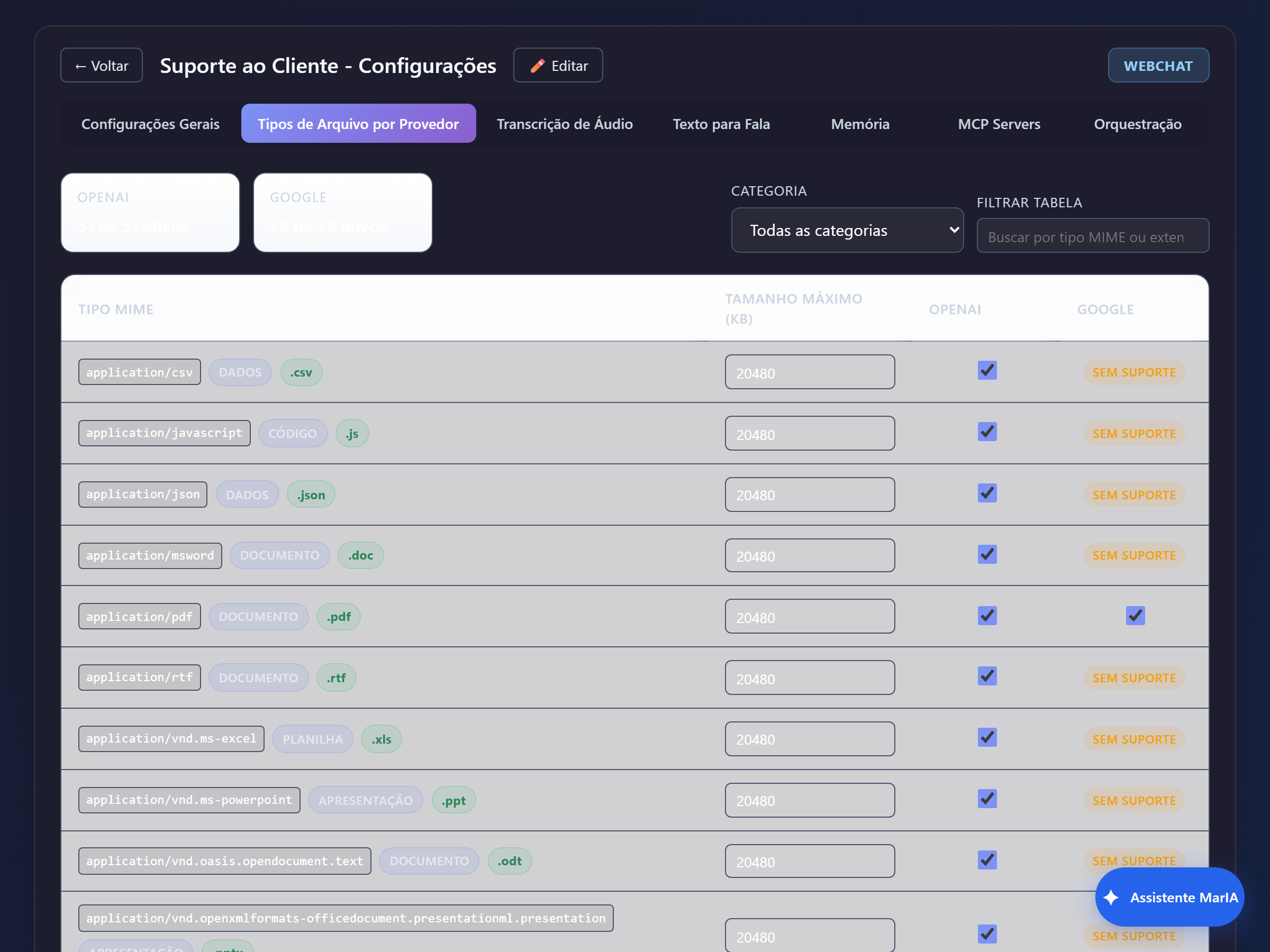
- Each provider has its own set, with a counter at the top (for example, “51 of 51 active”).
- The table lists the MIME Type, the extension, the Max Size (kB) and a toggle per provider.
- Types the provider does not accept show as Unsupported and cannot be enabled.
- Use the Category filter (Document, Spreadsheet, Image, Audio, …) and the Filter table field to find a specific type.
When someone reports that an attachment was refused, this is where the rule lives.
Audio Transcription
Section titled “Audio Transcription”Enables speech to text, so people can talk instead of typing.
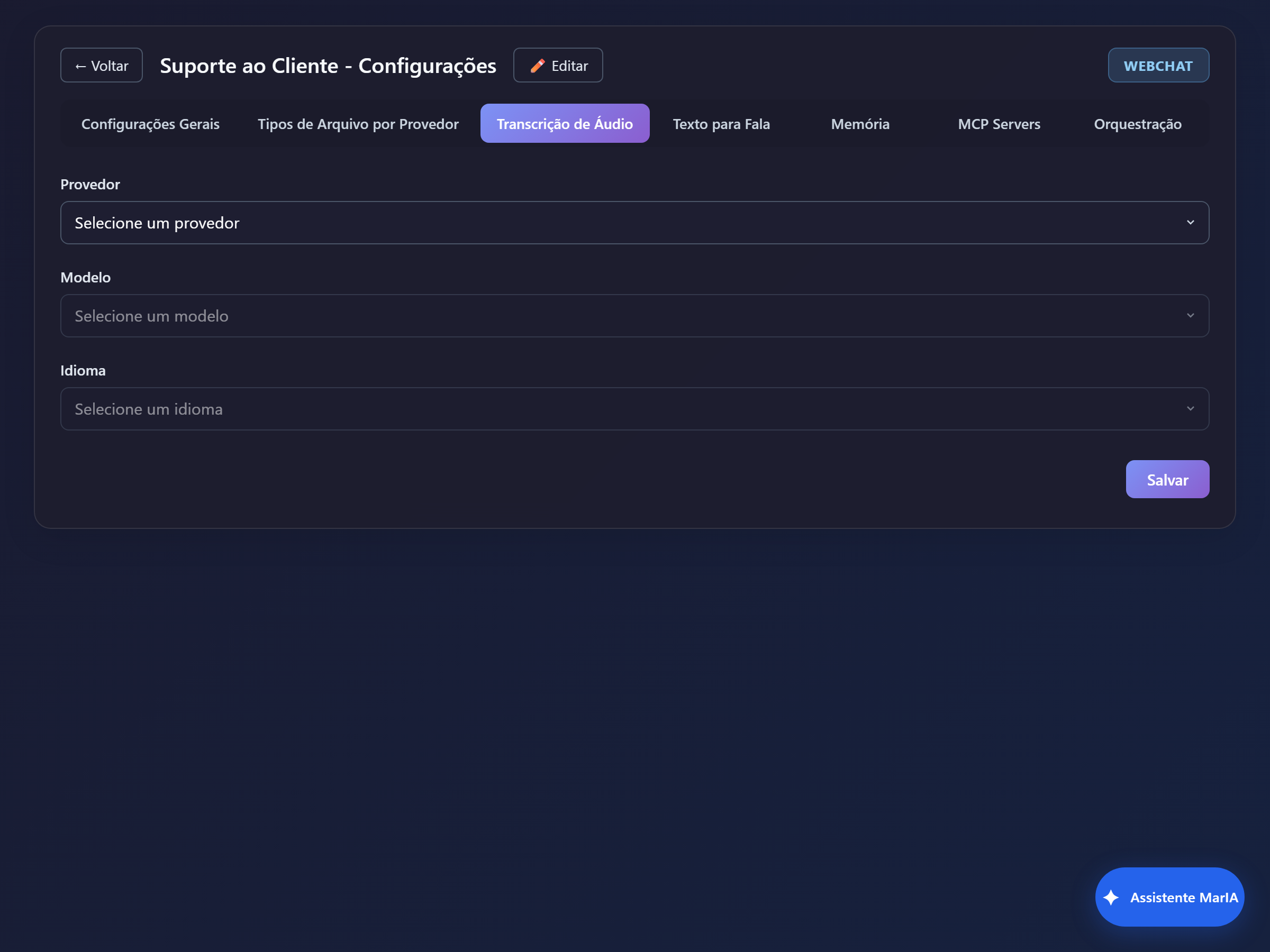
Set Provider, Model and Language. Leaving it blank keeps the feature off.
Text to Speech
Section titled “Text to Speech”The other way around: the agent also answers in audio.
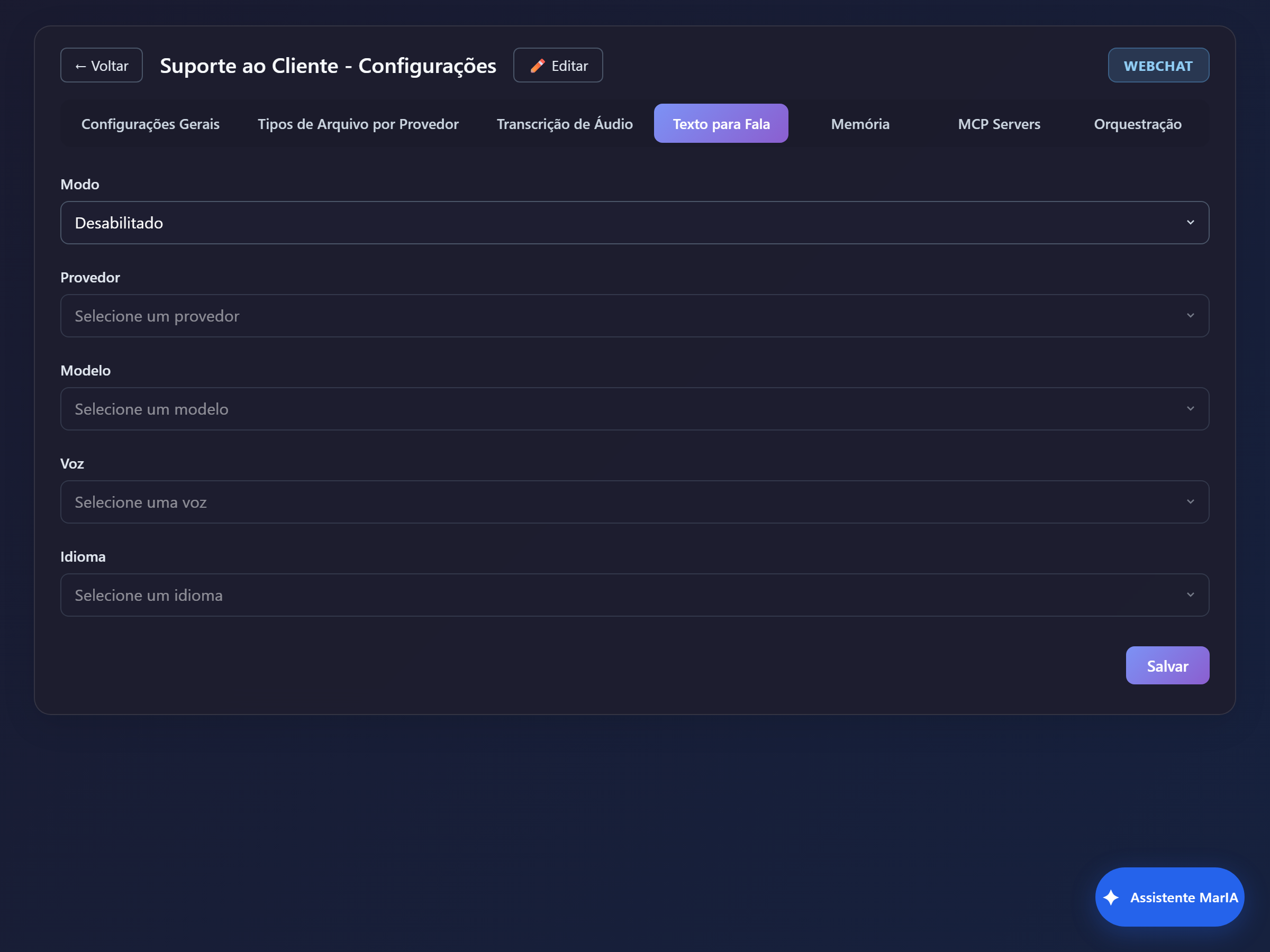
| Field | Notes |
|---|---|
| Mode | Disabled, On demand (the person clicks to listen), Pre-generated or Autoplay |
| Provider / Model | Who generates the audio |
| Voice | The voice used |
| Language | The spoken language |
Memory
Section titled “Memory”Creates memories at solution level, available to every agent in it.
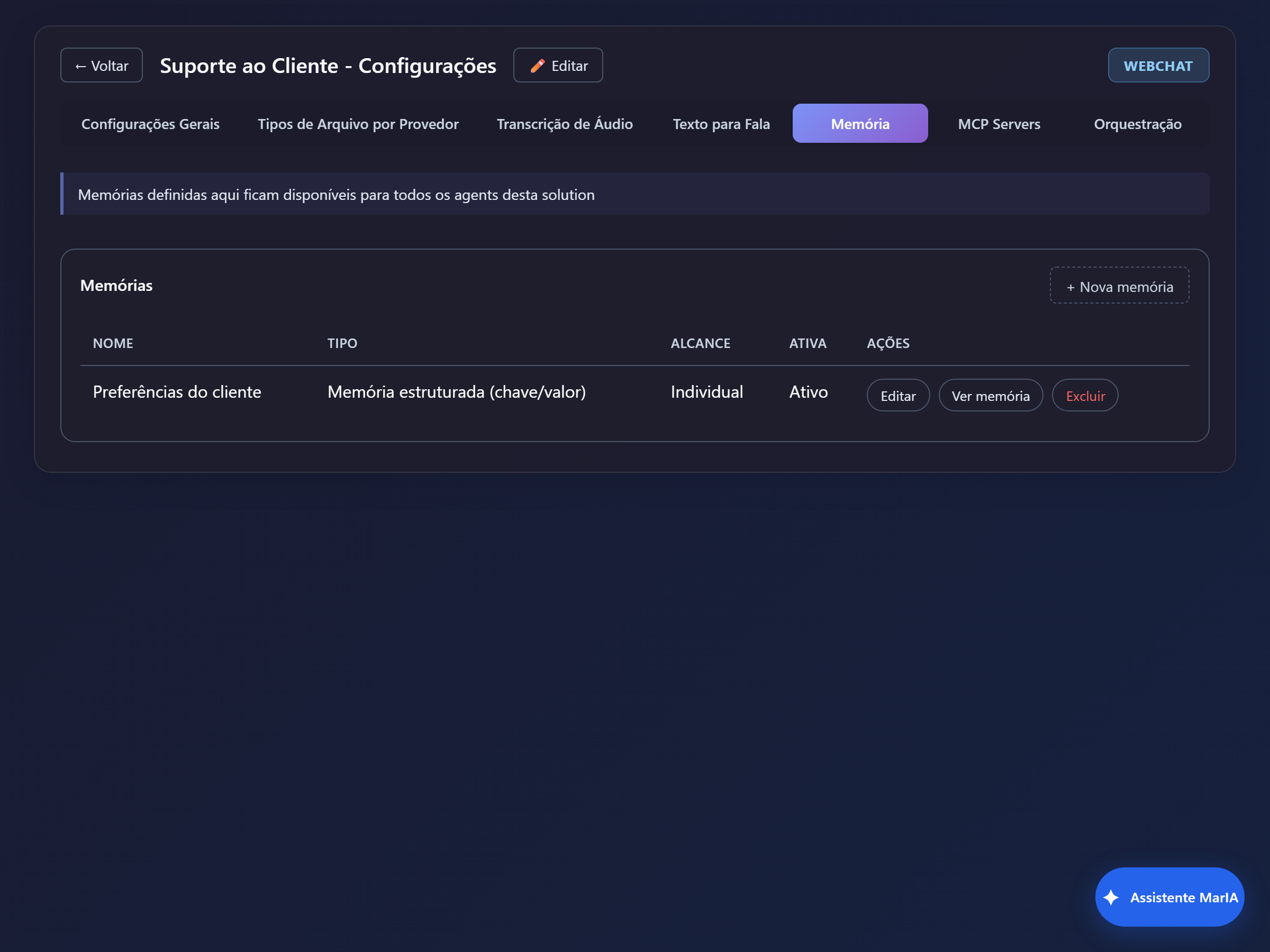
See Memory for the creation steps and the meaning of each field.
MCP Servers
Section titled “MCP Servers”Registers external tool servers for this solution.
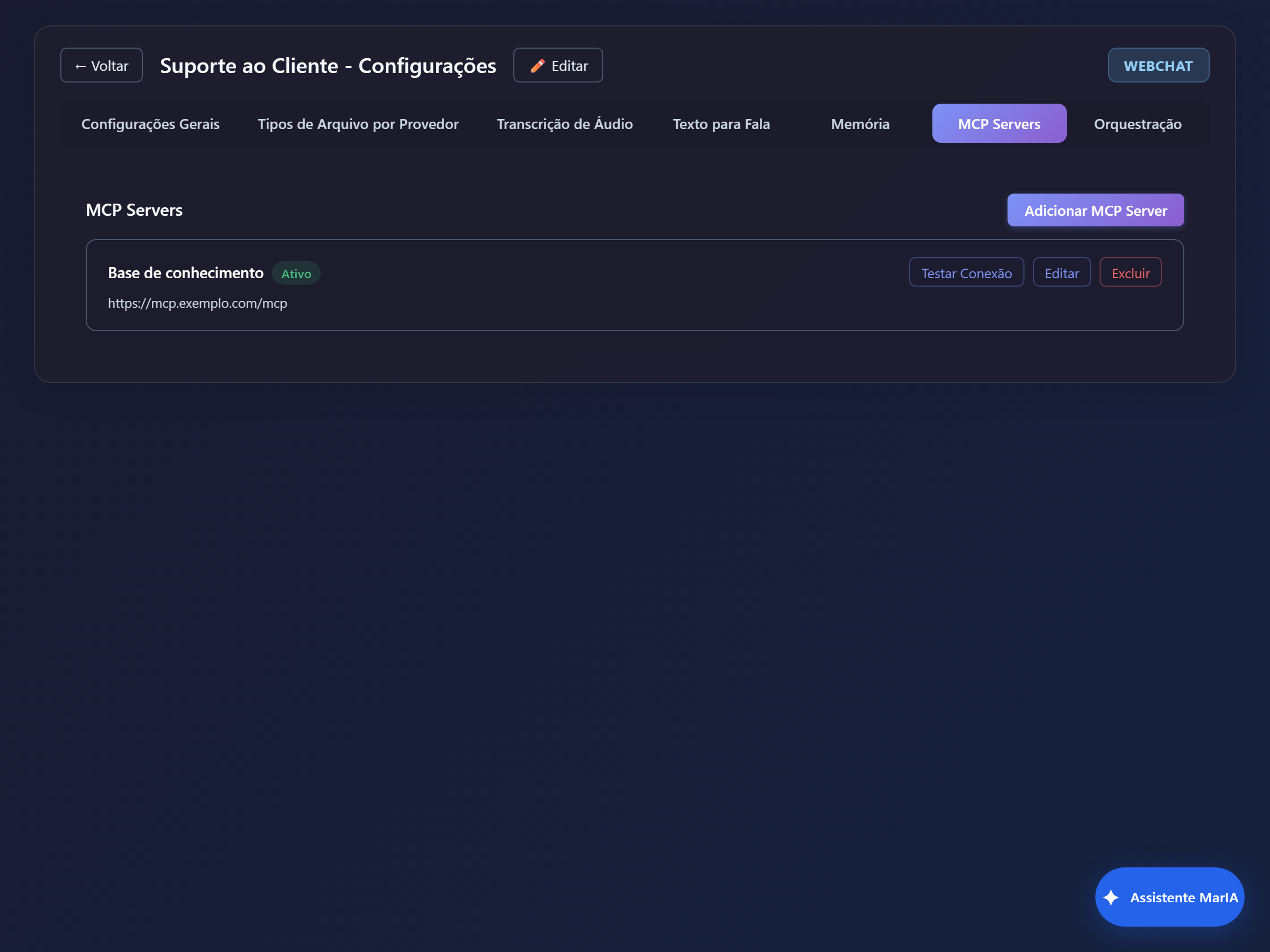
See MCP servers.
Orchestration
Section titled “Orchestration”Defines how MarIA picks which agent answers.
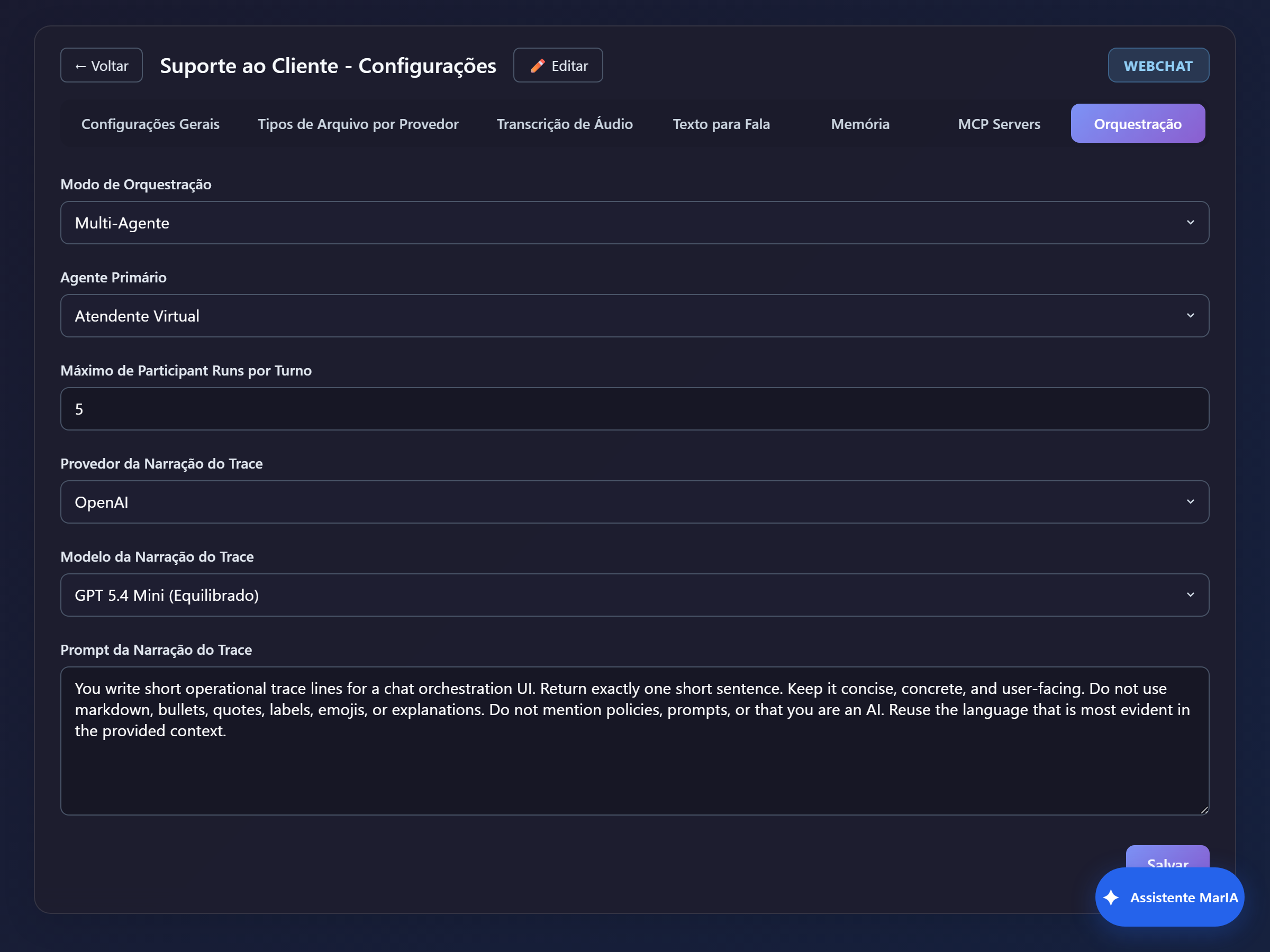
| Field | What it does |
|---|---|
| Orchestration Mode | Single Agent or Multi-Agent |
| Primary Agent | Who answers by default and coordinates the others |
| Max Participant Runs per Turn | How many agents can be engaged on the same message |
| Trace Narration Provider / Model / Prompt | How MarIA describes, in plain language, what happened during the turn |
With Single Agent, only the primary agent answers. Pick Multi-Agent only when you have agents with genuinely distinct specialities — and mind their descriptions, which is what drives the choice. See Orchestration.