
Agent tools
Tools are what the agent can do beyond talking: query a system, show a card, collect a form, display a map, search the web, generate an image.
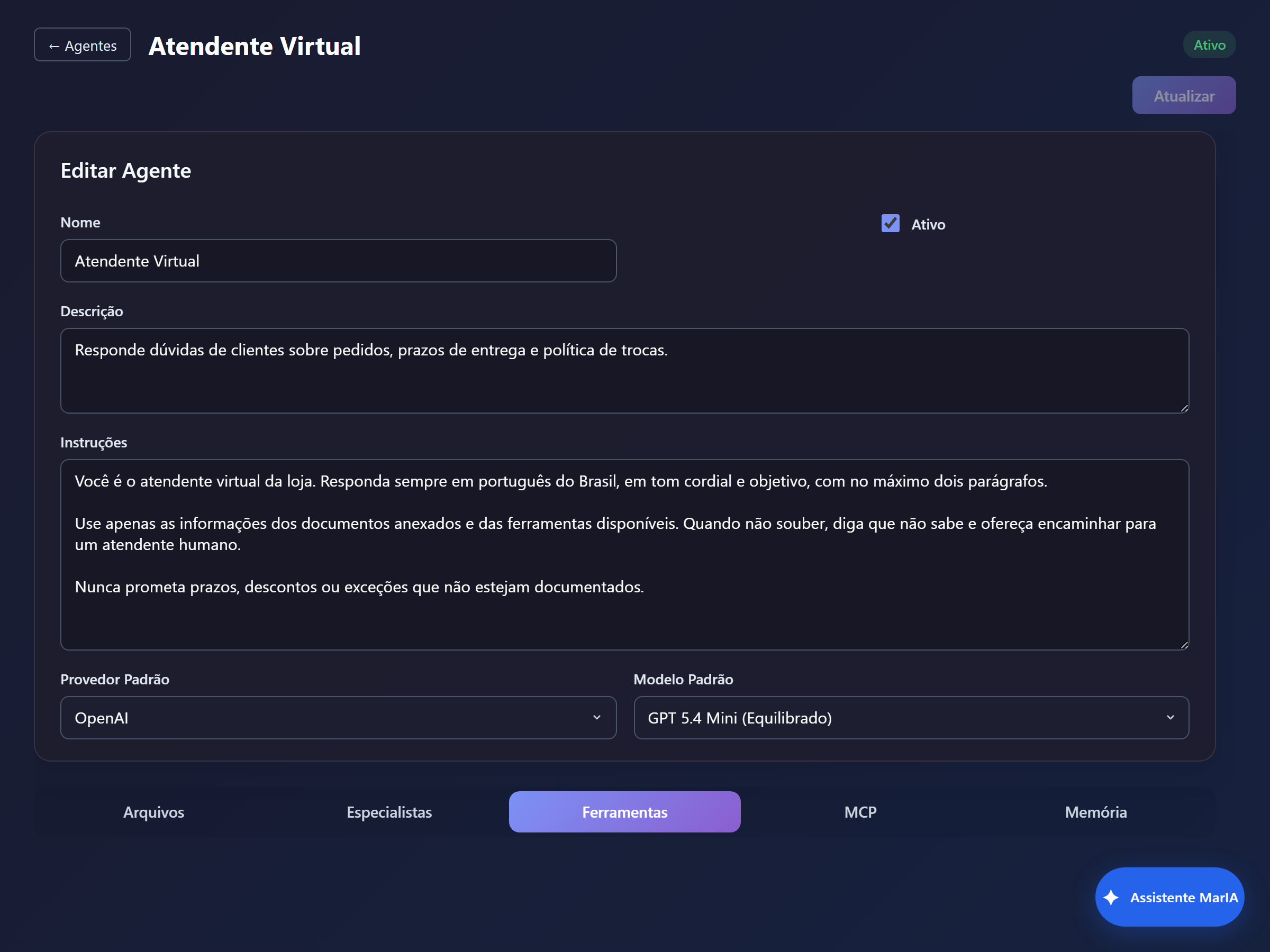
The screen
Section titled “The screen”The table lists Name, Type, Enabled, Order and Updated at, with the Edit and Delete actions. Disabling a tool is safer than deleting it when you only want to test the behaviour without it.
Creating one
Section titled “Creating one”Click + New Tool. The first field is the Type, and it determines the rest of the form. Then come Name, Enable tool and Description.
| Type | What it is for | Detailed in |
|---|---|---|
| External API | Call an endpoint in another system | External API |
| Sub Agent | Delegate part of the work to another agent | Built-in tools |
| Generic Card / HTML Card | Show formatted content in the chat | Built-in tools |
| Map | Show points on a map | Built-in tools |
| Forms | Collect structured data | Built-in tools |
| Image generation | Create images during the conversation | Built-in tools |
| Web Search | Look up current information, with sources | Built-in tools |
| Send Text / Send File / Resolve File Content | Send content and read files from the conversation | Built-in tools |
The description is what makes the tool work
Section titled “The description is what makes the tool work”Every type has a Description field, with the note “This description helps the LLM understand when to use this tool”. It is not internal documentation: it is the instruction that decides whether the agent reaches for the tool.
Write it as a trigger, not as a label:
| Avoid | Prefer |
|---|---|
| ”Order lookup" | "Looks up the status of an order by its number. Use whenever the person asks where their order is, whether it has shipped, or for the tracking code." |
| "Web search" | "Searches public, current information on the internet. Use when the answer depends on data that is not in the agent’s documents.” |
State when not to use it too, if there is a risk of misfiring.
The Order column arranges how tools are presented to the model. In practice, agents with many tools make more mistakes choosing: if the agent is reaching for the wrong tool, the fix is not reordering — it is having fewer tools, or descriptions that differ more clearly from each other.
Testing
Section titled “Testing”Open the chat and ask the question that should trigger the tool. The Activity block above the answer shows what the agent ran on that turn — that is where you confirm the tool was called.