
Creating and configuring agents
The agent is the one doing the talking. A solution can have several; with no active agent, the chat answers nothing.
The agents list
Section titled “The agents list”Open the solution and click Agents.
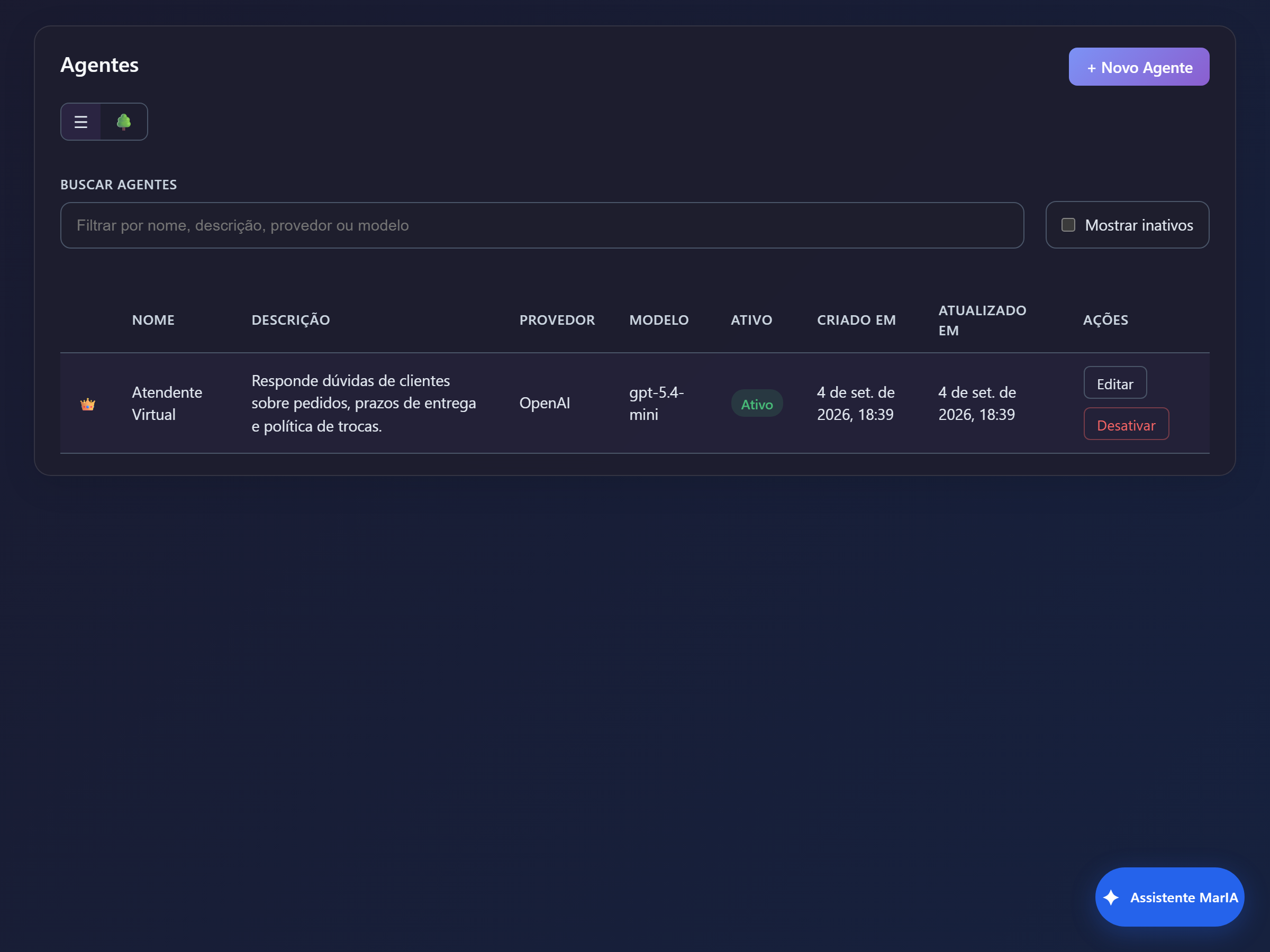
The list can be shown as a grid or as a tree. The tree view shows the main agent, its specialists and the agents not linked yet — the best way to understand a solution you did not build yourself.
Creating the agent
Section titled “Creating the agent”Click + New Agent and fill in the form.
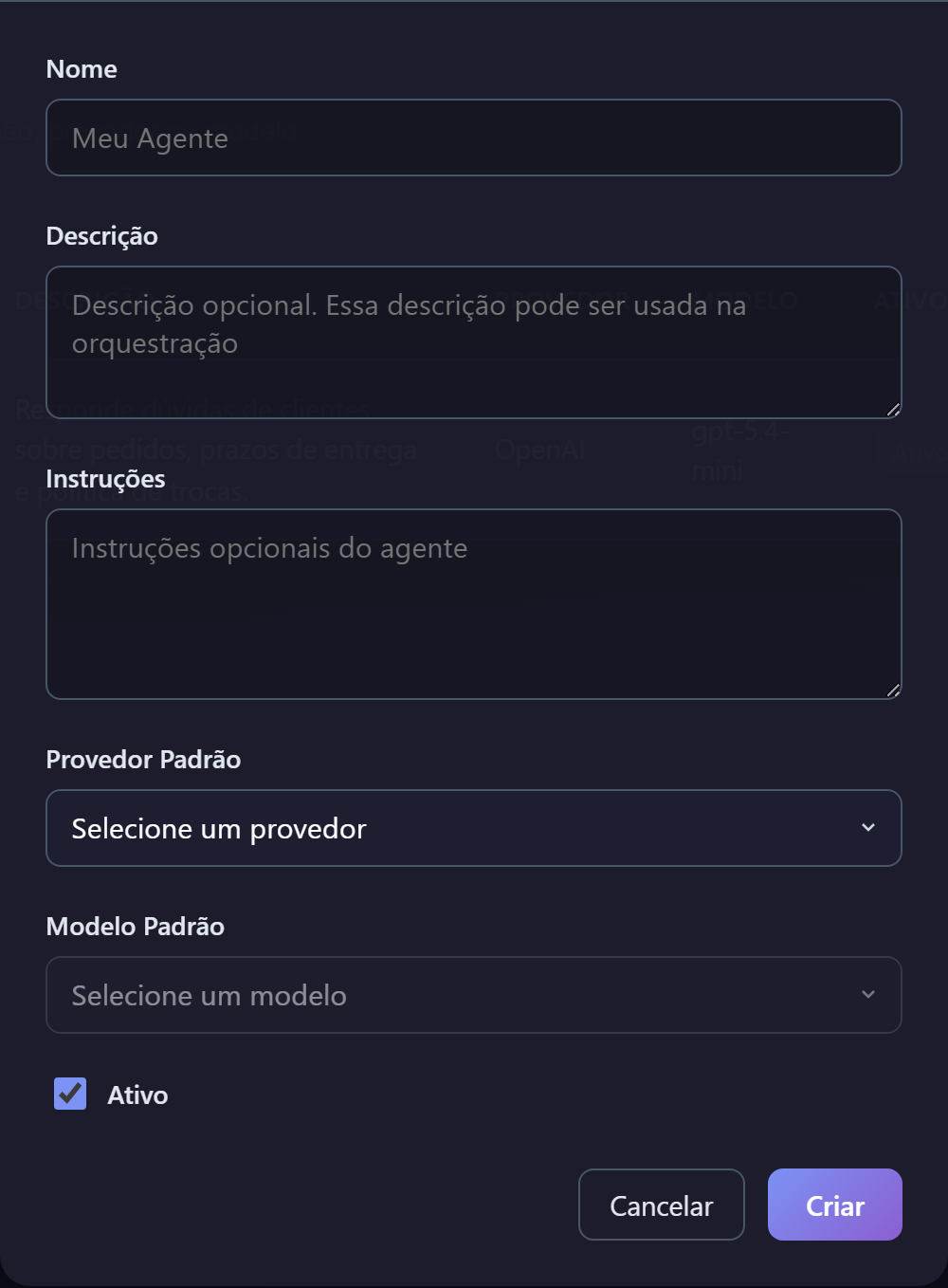
| Field | What to enter |
|---|---|
| Name | How the agent is identified across the screens. |
| Description | What this agent is good at. When a solution has several agents, this description is how MarIA decides which one answers. |
| Instructions | The agent’s behaviour: language, tone, what it should do and what it should refuse. This is the most important field on the screen. |
| Default Provider | The AI provider the agent uses. |
| Default Model | The model within that provider. |
| Active | Inactive agents never answer. |
The agent tabs
Section titled “The agent tabs”Once saved, the agent opens with five tabs.
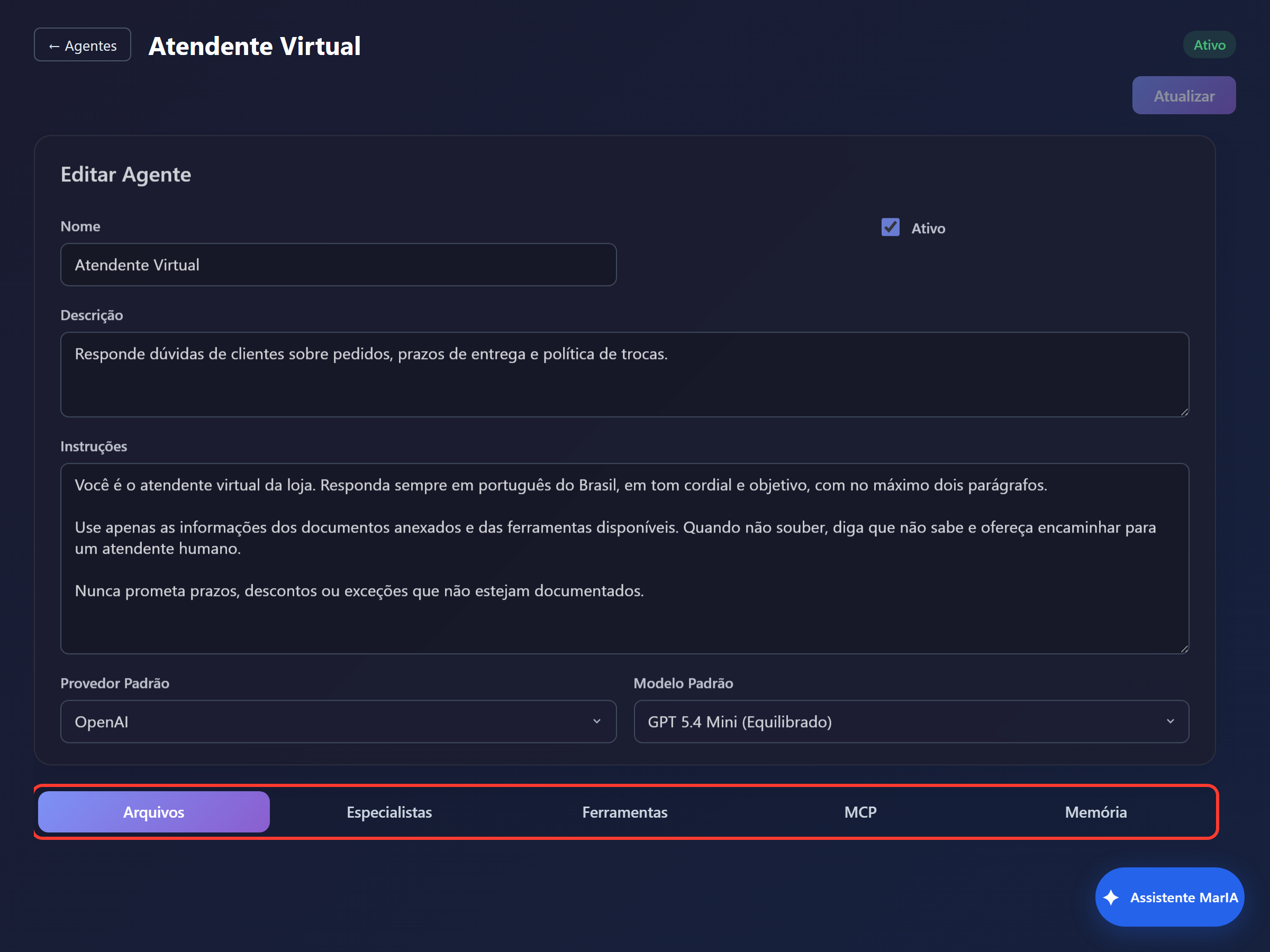
Reference documents the agent consults when answering. You upload the files and follow the status of each one. The accepted types and sizes come from the solution settings, per provider — if an upload is refused, that is the rule at work.
Specialists
Section titled “Specialists”Focused sub-assistants that the main agent consults when a question needs depth. Each specialist has a name, description, instructions and can have files of its own. The description is what guides the main agent to consult it at the right moment.
What the agent can do beyond talking.
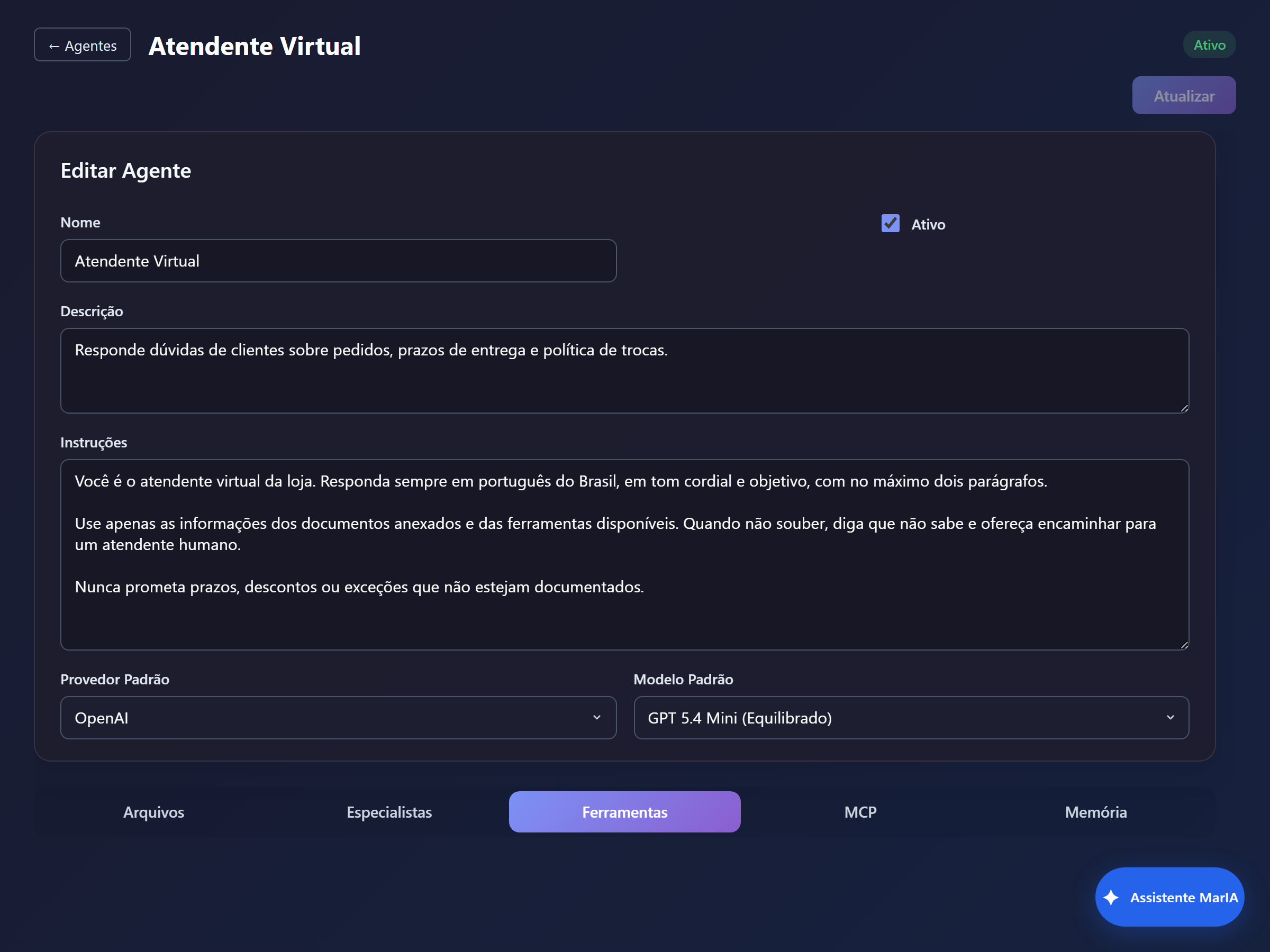
| Type | What it does |
|---|---|
| External API | Calls an endpoint in another system and uses the response |
| Sub Agent | Delegates part of the work to another agent |
| Cards | Shows formatted content inside (or outside) the chat window |
| Forms | Collects structured data during the conversation |
| Map | Displays and lets people interact with points on a map |
| Web search | Looks up current information, with the sources cited |
| Image generation | Creates images from the conversation |
Every tool has a description for the AI. Write it as an instruction about when to use that tool — it is what determines whether the agent reaches for it at the right time.
Connects the agent to the external tool servers registered in the solution and lets you pick which of those tools it may use.
Memory
Section titled “Memory”Defines what the agent keeps between conversations, and with which permission — read only, or write as well.
Several agents in one solution
Section titled “Several agents in one solution”When a solution has more than one active agent, MarIA picks which one answers each message based on the descriptions. So keep the descriptions precise and non-overlapping: two agents described alike compete for the same questions and the result becomes unpredictable.
Once configured, open the chat and test it.